


-30%

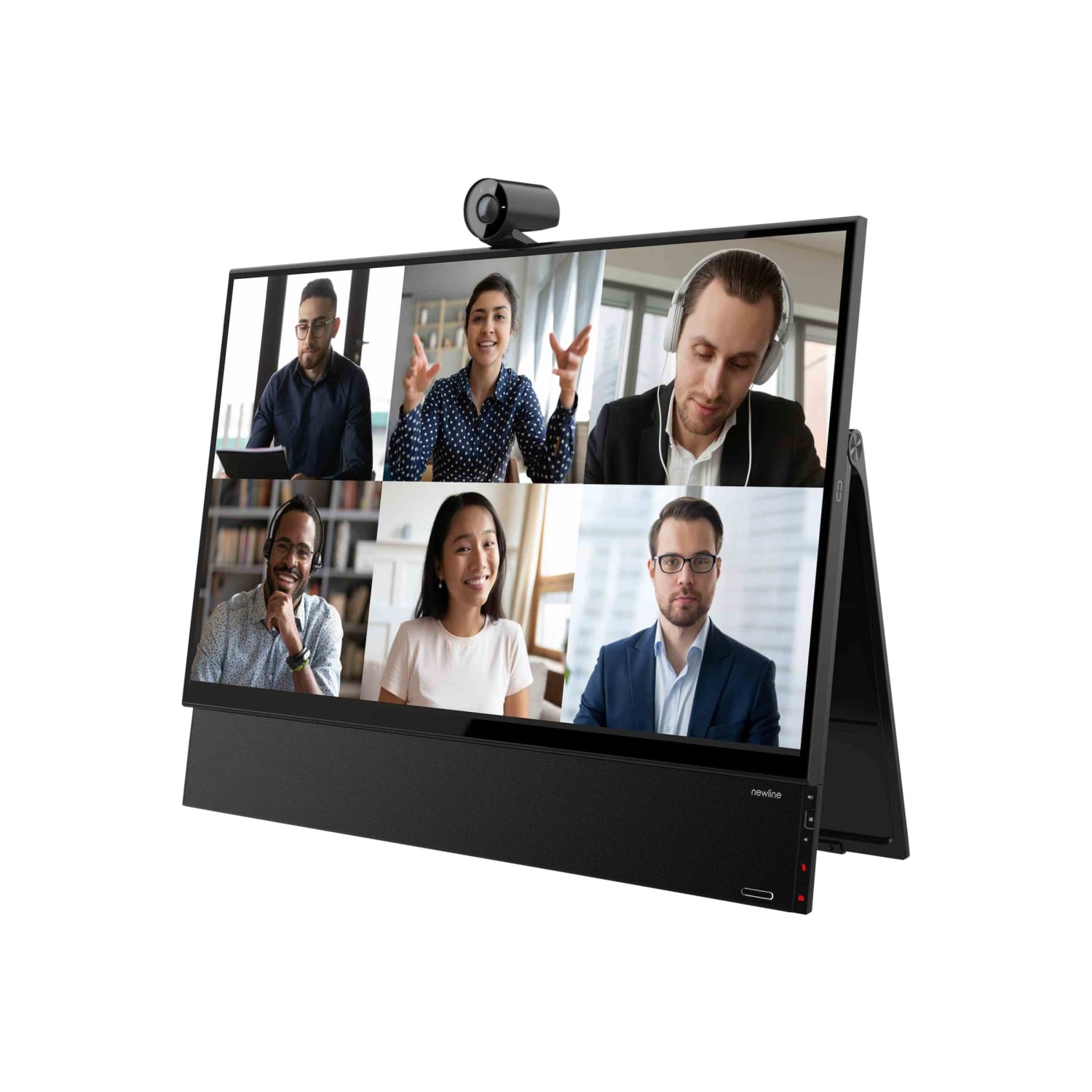
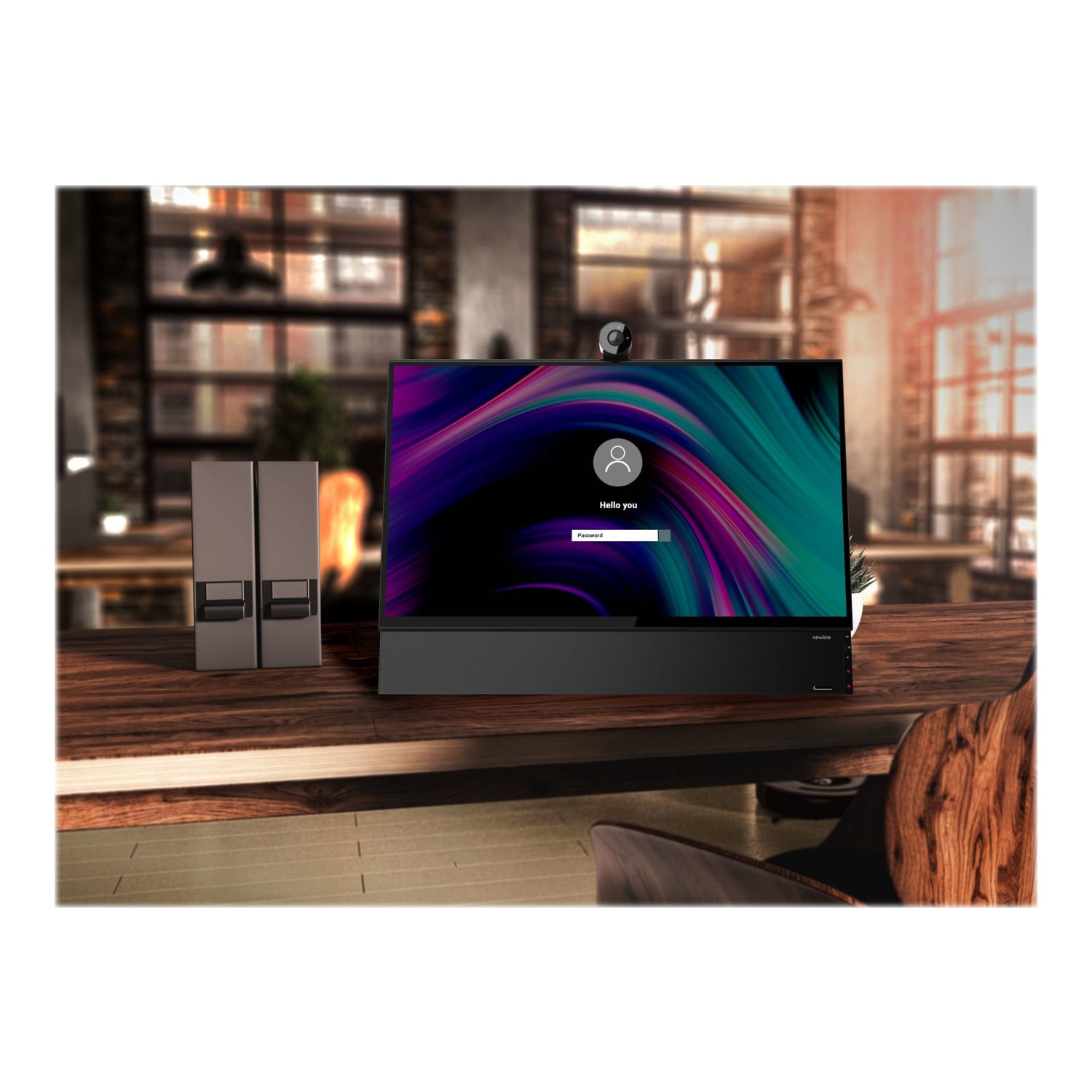
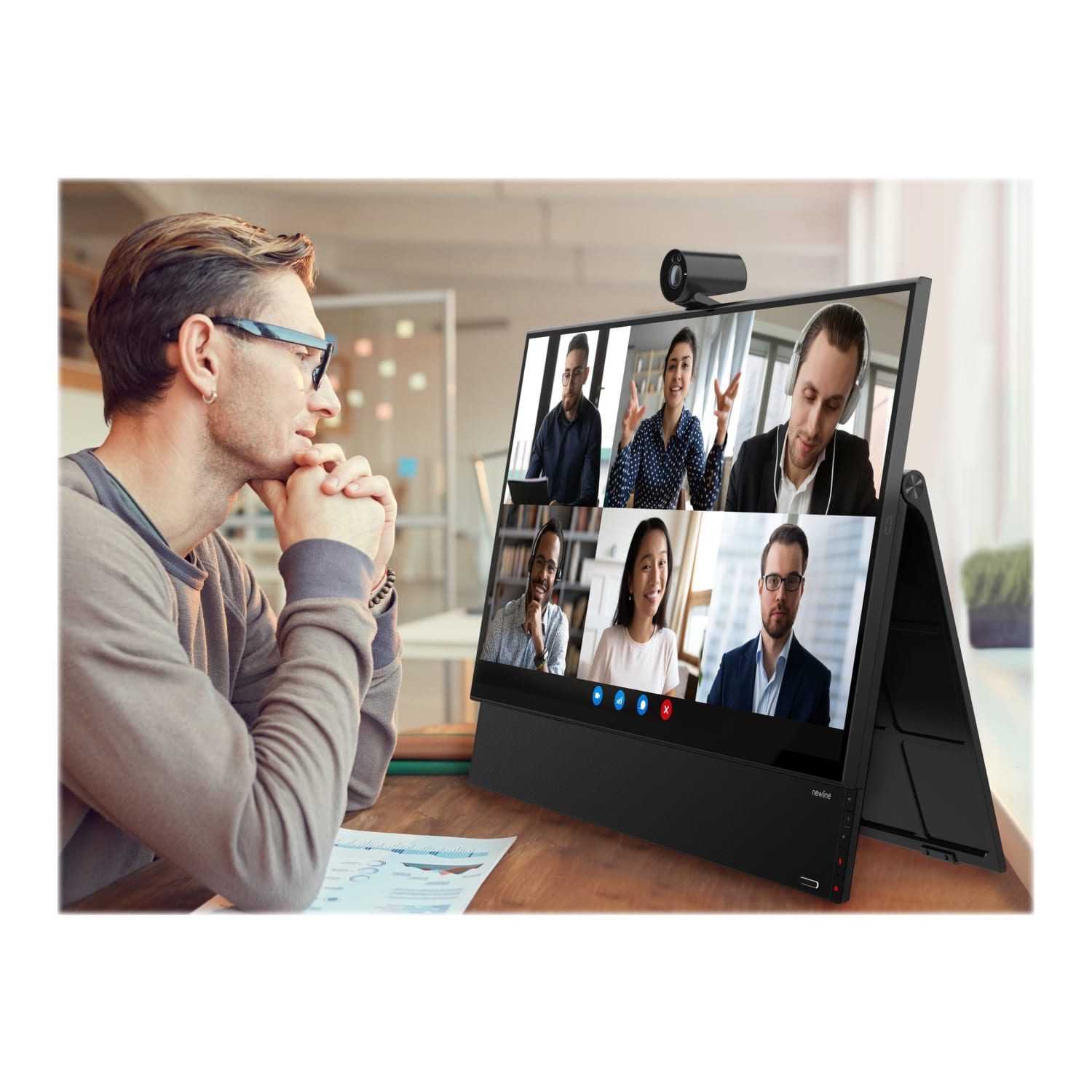

Newline FLEX – LCD monitor – 27in – touchscreen – 3840 x 2160 4K – 350 cd/m2 – 1000:1 – HDMI, USB-C – speakers with subwoofer
Original price was: $1,849.00.$1,290.99Current price is: $1,290.99.
NEWLINE FLEX DISPLAY – 27IN AL
The More You Buy, The More You Save:
| Quantity | 2 + | 5 + | 10 + |
|---|---|---|---|
| Price | $1,289.70 | $1,288.41 | $1,287.12 |
Out of stock
Tilt to fit. Easily tilt the FLEX into a comfortable position for a video meeting or writing. Palm rejection allows you to use the pen in a natural writing position.
- Plug-and-Play. Simply plug in your laptop and instantly upgrade to a great touch, writing, and videoconferencing experience. Easily power your device with the powered USB-C connection. No need for a learning curve, just use your existing desktop device. Want to remove all the clutter and cables from your desktop? Plug in the SDM for fully integrated computing power.
- Excellent touch and writing experience. Touch on devices has become second nature and your writing needs to feel natural. FLEX has been developed with these needs in mind.
- Bringing video calls to life. Capture your voice without background interference. Experience clear visuals with the 4K camera. Enjoy a better sound experience through high-end speakers with a subwoofer. FLEX ensures a better videoconferencing experience for you – as if people are in the room with you!
- Control at your fingertips. Not all videoconferencing software makes it easy to control your audio and video. You may often find yourself looking for the icons to mute / unmute or to reveal your video. FLEX ensures these functions are always within reach with cam and mic control, no matter how the software may have moved the control menu.
- This product is heavy and/or oversized and may need more than one person to handle.
ASPECT RATIO
16:9
BRAND NAME
Newline Interactive
BRIGHTNESS
350 cd/m²
BUILT-IN WEBCAM
Yes
CONTRAST RATIO (NATIVE)
1,000:1
DEPTH
7-1/10 in.
DISPLAY TECHNOLOGY
Thin Film Transistor (TFT)
HEIGHT
19-1/2 in.
INPUT CONNECTION TYPE
HDMI
ITEM #
7674755
MANUFACTURER
NEWLINE INTERACTIVE, INC
MANUFACTURER #
FLEX
MODEL
FLEX
PORTS
USB 3.0; USB-C
QUANTITY
1
SCREEN SIZE (DIAGONAL)
27 in.
STAND ADJUSTMENTS
Tilt
TOTAL QUANTITY
1 Monitors
TOUCH SCREEN
Yes
TYPE
Computer Monitor
UPC
850008344503
WIDTH
24-3/10 in.
| Weight | 10.05 lbs |
|---|---|
| Dimensions | 618 × 495 × 180 in |
Be the first to review “Newline FLEX – LCD monitor – 27in – touchscreen – 3840 x 2160 4K – 350 cd/m2 – 1000:1 – HDMI, USB-C – speakers with subwoofer”
Related products
-13%

Original price was: $377.99.$327.99Current price is: $327.99.
-7%
Computer Monitors
Original price was: $300.80.$279.99Current price is: $279.99.
-55%
Original price was: $1,139.99.$516.99Current price is: $516.99.
-16%

Computer Monitors
Luxor SideTrak Solo Pro HD 15.8in LED Freestanding Portable Monitor
Original price was: $323.64.$272.99Current price is: $272.99.
-13%

Original price was: $423.99.$367.99Current price is: $367.99.
-13%

Computer Monitors
Original price was: $1,691.99.$1,470.99Current price is: $1,470.99.
-40%

Computer Monitors
Original price was: $1,139.99.$679.99Current price is: $679.99.
-13%
Computer Monitors
Mobile Pixels Glance 101-1009P01 16in Full HD LCD Portable Monitor
Original price was: $307.99.$266.99Current price is: $266.99.
Reviews
There are no reviews yet.